
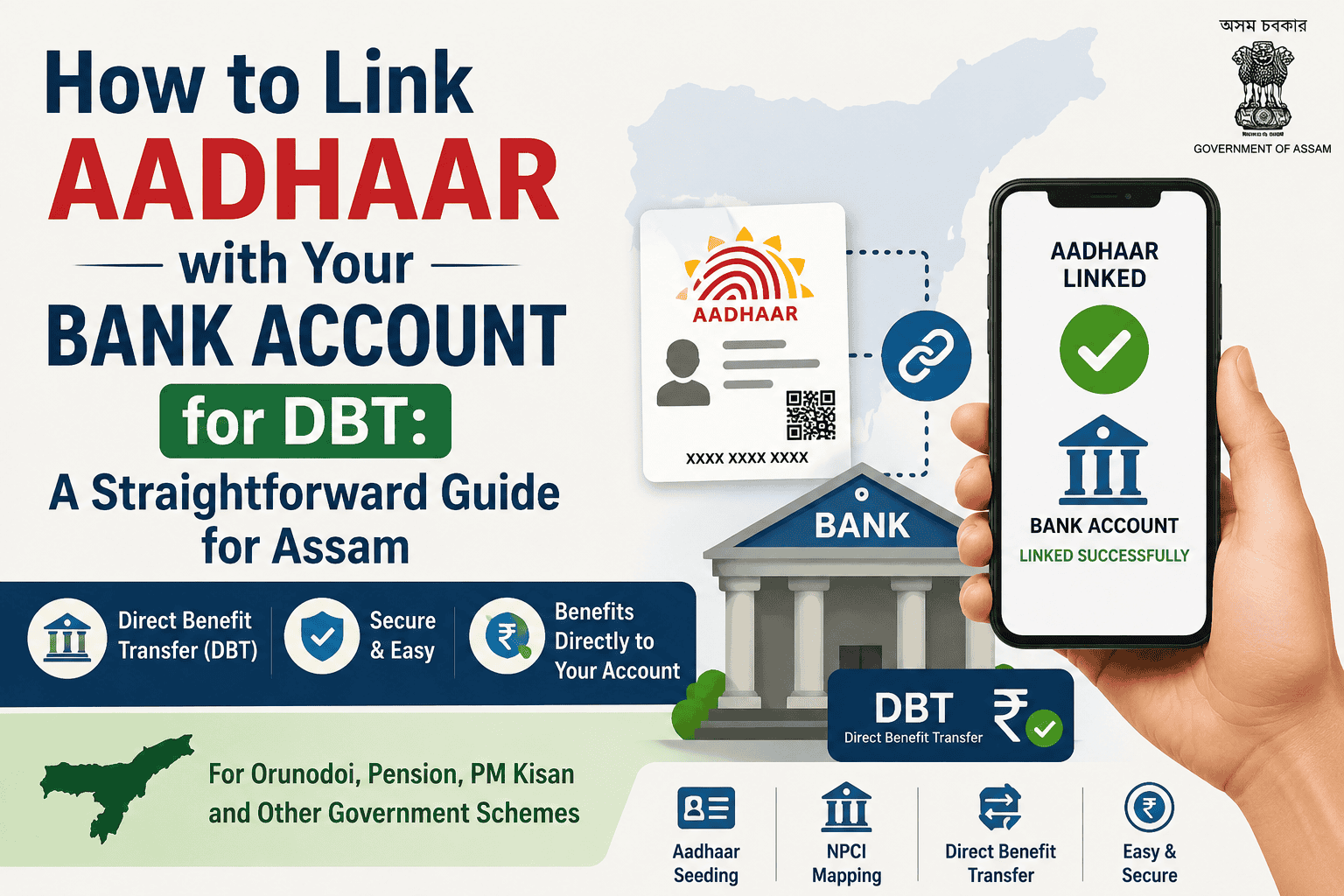
Why your Orunodoi, pension, or PM-KISAN money isn’t reaching your account — and the exact steps to fix it
A woman in Barpeta once told me she had checked her bank passbook three months in a row, and each time the Orunodoi entry simply wasn’t there. Her Aadhaar was linked to her bank account, her KYC was complete, everything looked fine on paper. The actual problem turned out to be something almost nobody explains properly: her Aadhaar was seeded to a different, older bank account that she had stopped using years ago. The money was going out from the government’s end every cycle. It just wasn’t landing where she expected.
This mix-up is far more common than people realise, and it is the single biggest reason DBT (Direct Benefit Transfer) payments for schemes like Orunodoi, Old Age Pension, Widow Pension , PM-KISAN, LPG subsidy, and scholarship amounts go missing even when a person’s Aadhaar and bank account both look correctly linked. So before we get into the steps, it’s worth clearing up exactly what “linking Aadhaar to your bank” actually means for DBT purposes, because there are two different processes and most people only do one of them.
Aadhaar-Bank Linking and NPCI Seeding Are Not the Same Thing
Most people assume that once a bank has their Aadhaar number on file — for KYC, or because they submitted a photocopy while opening the account — DBT payments will automatically come through. That’s not how it works.
There are two separate steps, and both matter:
- Aadhaar-bank linking (KYC): Your Aadhaar is attached to your account as identity proof. This is what most banks ask for routinely and is often done automatically these days.
- NPCI Aadhaar seeding (the DBT mapper): Your Aadhaar number is registered in the National Payments Corporation of India’s central mapper against one specific bank account. This is the only account the government’s Aadhaar-based payment system (APBS) will send DBT money to.
A person can have Aadhaar linked to five different bank accounts for KYC purposes, but the NPCI mapper will only ever recognise one of them as “active” for DBT at any given time. If a new account gets seeded later — say, when you open an account for a loan or a job — that new account silently becomes the one receiving all government payments, and the old account (the one you’ve been checking) goes quiet. Nothing looks broken. The money simply goes elsewhere.
This is especially important for elderly beneficiaries receiving Old Age Pension in Assam — many have accounts in multiple banks opened by different family members over the years, and only one will receive the pension.
| Why this matters for Assam schemes specifically Orunodoi, Old Age Pension, Widow Pension, and Jibon Prerana payments in Assam are all routed through this same NPCI Aadhaar mapper system, exactly like central schemes such as PM-KISAN and LPG subsidy. If your Aadhaar seeding points to the wrong account, no amount of following up with the district Orunodoi helpline or Sewa Setu office will fix it — the correction has to happen at the bank and NPCI level first. |
Step-by-Step: How to Link (or Re-Link) Aadhaar to Your Bank Account for DBT
You can do this through several channels. Pick whichever is easiest for you — all of them update the same NPCI mapper in the background.
Option 1: Through Mobile Banking or Net Banking
1. Log in to your bank’s mobile app or net banking portal.
2. Look for a section called “Aadhaar Seeding,” “Link Aadhaar,” or sometimes tucked under “Update KYC” or “Service Requests.” The exact label varies by bank — SBI, for example, places it under e-Services, while smaller regional banks may list it under Profile.
3. Select the account you want DBT payments to come into. If you have more than one account, choose the one you actually use and check regularly.
4. Enter your 12-digit Aadhaar number and confirm.
5. You’ll get an OTP on your Aadhaar-registered mobile number. Enter it to confirm the request.
6. The bank typically updates the NPCI mapper within 24 to 48 hours, though it can take a few working days depending on the bank.
Option 2: At the Bank Branch
1. Visit the branch where you hold your account and ask for the “Aadhaar Seeding Form” (sometimes called the NPCI Link to Bank Account form).
2. Fill in your account number, Aadhaar number, registered mobile number, and account holder name exactly as they appear on your Aadhaar card.
3. Attach a self-attested photocopy of your Aadhaar card and submit it along with your written consent.
4. Ask the branch staff for an acknowledgment slip or receipt number — this is useful if you need to follow up later.
5. You should receive an SMS confirmation once the seeding is processed, usually within a few working days.
Option 3: Through ATM or USSD (Basic Phones)
Many banks allow Aadhaar seeding through their ATM menu under “Aadhaar Registration” or a similar option — insert your card, enter your PIN, and follow the on-screen steps. If you don’t have a smartphone, dial *99*99*1# from your Aadhaar-registered mobile number; this USSD service, run by NPCI, lets you check and in some cases update your Aadhaar-bank link status without any internet connection — genuinely useful for beneficiaries in areas with patchy mobile data.
| A branch-visit tip that saves a second trip Carry your original Aadhaar card, not just a photocopy, and make sure your mobile number is the same one linked to your Aadhaar. If your number has changed, get that updated at an Aadhaar Seva Kendra first — banks will usually not process seeding requests if the registered mobile number doesn’t match, and this is one of the most common reasons applications get sent back. |
However, linking Aadhaar with your bank account is not the same as NPCI Aadhaar mapping. If your DBT payment is still not reaching your account after linking Aadhaar, check your NPCI Aadhaar mapping status to make sure your bank account is correctly mapped for DBT.
How to Check Whether Your Aadhaar Is Correctly Seeded for DBT
Don’t wait for a missed payment to find out something’s wrong. It takes two minutes to check, and it’s worth doing before every scheme’s payment cycle if you’ve recently changed banks or opened a new account.
- Bank branch or customer care: Ask the bank directly whether your Aadhaar is seeded and active in the NPCI mapper for your account — this is the most reliable check.
- NPCI website: Visit npci.org.in, go to the consumer section, and use the “Check Aadhaar Mapping Status” option by entering your Aadhaar number and captcha.
- UIDAI portal: The myAadhaar portal also allows you to check your Aadhaar-bank linking status.
- USSD code: Dial *99*99*1# and follow the prompts to confirm your linked bank.
Common Problems and What Actually Fixes Them
These are the issues that come up again and again for beneficiaries in Assam, based on how the system is designed to work.
| Problem | Likely Cause | What to Do |
| DBT stopped suddenly after months of regular payment | A new bank account was seeded more recently, overriding the old one | Check which account is currently active in the NPCI mapper; re-seed your preferred account if needed |
| Seeding request rejected at the branch | Name on Aadhaar doesn’t exactly match the bank account name | Correct the mismatch either in Aadhaar records or bank KYC, then reapply |
| No SMS confirmation after submitting request | Registered mobile number is outdated or not linked to Aadhaar | Update your mobile number at an Aadhaar Seva Kendra, then redo the seeding request |
| Payment shows as processed by the department but never received | Account is dormant or inactive due to no recent transactions | Reactivate the account with a small transaction, then confirm seeding again.Also check your ration card status at RCMS Assam — a suspended ration card can sometimes affect Orunodoi DBT eligibility. |
| Aadhaar shows “linked” but scheme portal still shows pending | Bank-level KYC linking was done, but NPCI mapper seeding was not | Specifically request “NPCI DBT seeding,” not just Aadhaar-KYC linking, at your branch |
If Your Payment Still Doesn’t Come Through
Sometimes everything on the banking side checks out and the payment still doesn’t land. In that case, the delay is usually on the scheme’s disbursement side rather than the banking side, and the right move is to follow up with the specific department:
- For Orunodoi and state welfare schemes: contact your local Sewa Setu Kendra or the district social welfare office with your beneficiary ID.
- For ration and PDS-linked issues: check with your local FPS dealer and the epos.assam.gov.in portal for your transaction history.
- For central schemes like PM-KISAN or LPG subsidy: use the respective scheme’s grievance portal, quoting your Aadhaar number and bank account details.
Keep a note of your acknowledgment number from the bank and the date of your seeding request — most helplines and offices will ask for this before they can trace a missing payment.
| A word of caution Aadhaar-DBT seeding is done only through your bank’s official app, net banking portal, ATM, or branch — never through a phone call, SMS link, or third-party website asking for your Aadhaar number, OTP, or bank PIN. Banks and NPCI do not call customers asking them to “confirm” Aadhaar seeding over the phone. If you receive such a call, do not share any details and report it to your bank directly. |
Frequently Asked Questions
Can I have my Aadhaar seeded to more than one bank account?
No. The NPCI mapper allows only one active bank account per Aadhaar number for DBT purposes at any given time. Seeding a new account automatically deactivates the DBT link with the previous one.
Do I need to register separately for each government scheme once my Aadhaar is seeded?
No. Once your Aadhaar is seeded to an active bank account in the NPCI mapper, that same account is used for DBT payments across schemes you’re eligible for — you don’t need to repeat the seeding process for each individual scheme.
This means fixing your seeding once covers all schemes at the same time — including Nijut Babu Asoni and Orunodoi simultaneously.
How long does the seeding process take?
Most banks update the NPCI mapper within 24 to 48 hours of an online request, though branch-based requests can take a few working days depending on the bank’s processing time.
Is there any charge for Aadhaar seeding?
No. Aadhaar-bank seeding for DBT is a free service provided by banks. You should not pay anyone — at a branch, online, or over the phone — to get this done.
I recently switched my bank account. What should I do?
Request Aadhaar seeding on your new account as soon as it’s active and in regular use. Until you do this, DBT payments will keep going to your old account if it’s still seeded, so don’t close the old account until you’ve confirmed the new one is active in the NPCI mapper.
This article is for general informational purposes based on publicly available banking and NPCI processes, and does not constitute financial or legal advice. Procedures and portal names may be updated by banks, NPCI, or UIDAI from time to time — please confirm current steps with your bank or the official NPCI/UIDAI websites before acting.

Hi, I’m Palash, the person behind AssamInfoHub — an independent platform helping Assam citizens understand government schemes, pensions, and welfare programs in simple language. Information published here is compiled from official government notifications, district-level practices, and Panchayat-level verification methods. My goal is to reduce misinformation and help families follow the correct procedures without depending on agents.