
Last updated June, 2026
So the ₹2,500 hasn’t come. You checked your balance, maybe updated your passbook at the branch, and there’s nothing. Your DIDS portal says your application is approved. You’re not doing anything wrong. The money just isn’t arriving. And naturally, nobody explains why clearly.
I want to explain why this actually happens — not the generic “check your Aadhaar” advice you’ll find everywhere, but the real reasons behind each type of failure and what you need to do differently for each one. Because the fix for a dormant account is completely different from the fix for a name mismatch, and going to the bank without knowing which problem you have means you’ll probably come back with the wrong answer.
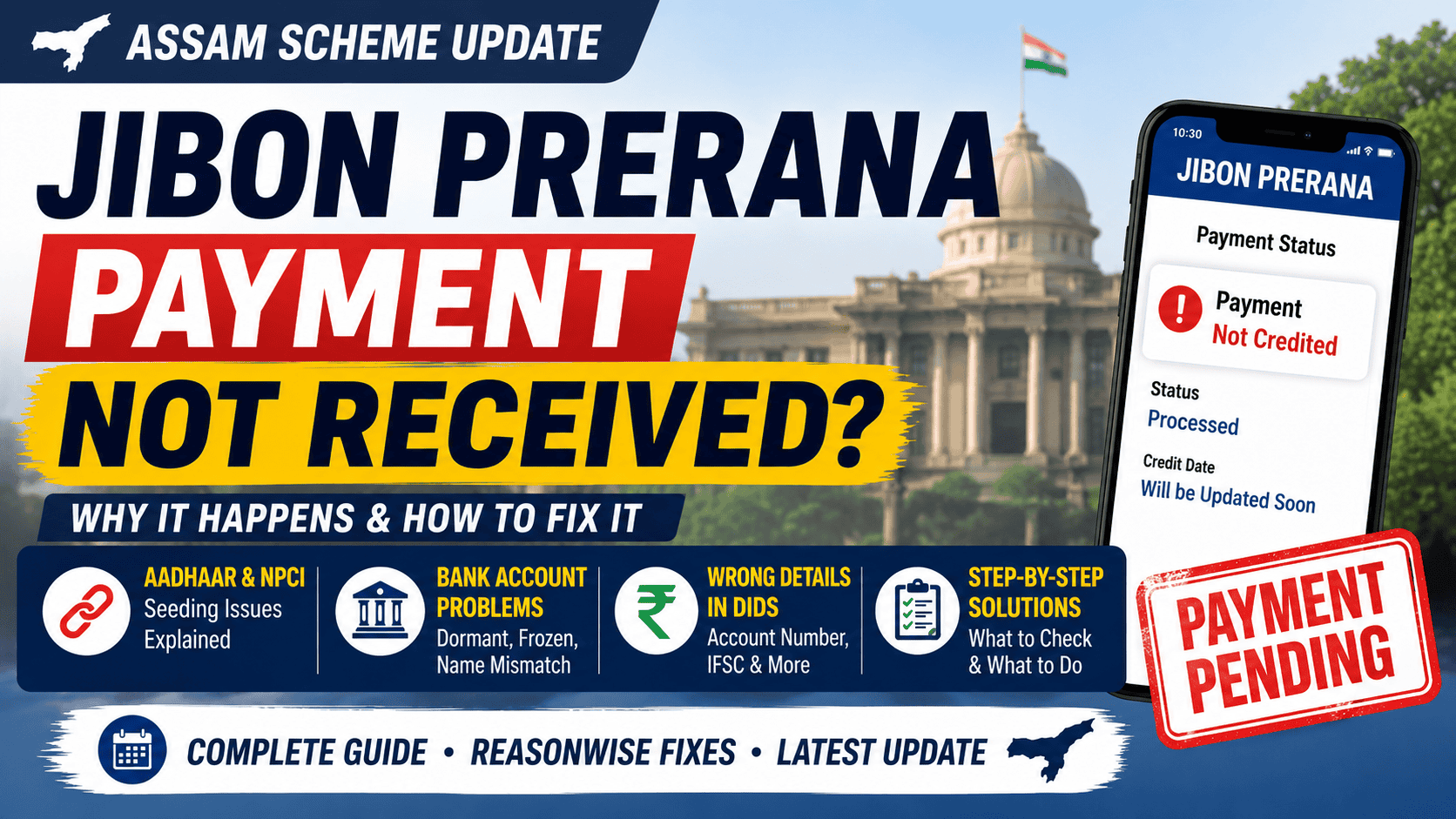
In practice, most failed Jibon Prerana payments usually come down to one of four things: Aadhaar not properly mapped in NPCI, a dormant bank account, name mismatch between Aadhaar and bank records, or incorrect bank details entered during application.
First, understand how DBT actually works
Most people assume DBT means the government sends money directly to whatever bank account you wrote in your DIDS application. That’s not really how it works, and this is where a lot of confusion comes from.
What actually happens: the department sends a batch file to a nodal bank (SBI handles most Assam government transfers). That nodal bank then looks up your Aadhaar number in something called the NPCI Mapper — a central database that tracks which bank account is currently linked to your Aadhaar. The money goes to that account, not necessarily the one you wrote in DIDS.
So if you wrote SBI Jorhat in your DIDS form but your Aadhaar is mapped to UCO Bank from three years ago, the payment goes to UCO Bank. This catches a lot of people off guard. A surprising number of people only figure this out after checking two or three different bank accounts.
After the nodal bank routes the payment to your bank, your bank still has to actually accept it. If your account is dormant, frozen, or has a name mismatch — your bank rejects the credit and sends it back. That returned money sits with the nodal bank, not lost, but also not coming to you automatically. Which is why people get confused — DIDS says processed, but the account balance still shows nothing.
That’s the basic flow. Here’s where it breaks.
One beneficiary from Upper Assam had two months marked as “Processed” in DIDS but never received the money. The issue turned out to be an older bank account still linked in NPCI from years earlier, while the new account entered in DIDS was never mapped properly. Once Aadhaar seeding was updated in the new bank account, the next installment came normally and the earlier payment was reprocessed later.
Aadhaar is not seeded — the most common one
When you go to the bank and ask “is my Aadhaar linked?” — most branch staff will check their internal system and say yes. And they’re not wrong, exactly. But “linked internally” and “updated to the NPCI Mapper” are two different things. The NPCI Mapper is what the government actually checks, and it can be 48 to 72 hours behind your bank’s internal records, or sometimes much more if the bank has a backlog.
In smaller branches, staff themselves sometimes treat Aadhaar linking and NPCI mapping as the same thing, even though technically they’re separate checks. That distinction matters a lot.
So ask specifically: “Is my Aadhaar seeded and is it reflecting on NPCI?” Those two words — seeded, and NPCI — matter. If the staff member seems unsure, ask for the branch manager or the officer who handles government scheme accounts.
To fix it: bring your original Aadhaar card to the branch, get the seeding done, and then wait two to three days before expecting any payment. After that your next disbursement batch should reach you fine.
One thing worth knowing — NPCI only holds one bank mapping per Aadhaar. If you have accounts at multiple banks and the most recently seeded one is not the one you use, all your DBT payments are going somewhere you’re not checking. Worth verifying this if you have old accounts you’ve forgotten about.
Name mismatch between Aadhaar and bank account
This one is more common in rural areas where accounts were opened years ago, sometimes with informal name variations. Your Aadhaar might say “Rajib Kumar Bora” but your passbook says “Rajib Bora.” One word missing. That’s enough to fail the verification.
Same thing with spelling — “Phukan” vs “Phukon,” “Mohammed” vs “Mohammad.” The system sees it as a mismatch and rejects the credit. Simple as that.
How to check: ask your branch to print a mini-statement or any document that shows your account name exactly as it’s recorded. Then compare that, letter by letter, with what’s on your Aadhaar.
To fix it: the faster option is usually correcting the bank account name to match your Aadhaar. Take your Aadhaar card to the branch, fill their name correction form, and they’ll process it in a few working days — three to five usually, sometimes faster. Once the name is corrected, get Aadhaar re-seeded so the NPCI record updates too.
You could also update the name on Aadhaar instead, if for some reason the bank account name is the “official” one. That goes through an Aadhaar Seva Kendra and takes about a week to ten days. In most cases it’s just easier to fix the bank side.
The account went dormant
If you haven’t made any transaction — deposit or withdrawal, doesn’t matter — for twelve consecutive months, most banks classify the account as dormant. Dormant accounts can’t receive inward credits. The payment comes in, the bank’s system sees the account status, and it bounces back. Banks usually don’t warn you beforehand either.
This happens a lot with accounts that students opened just to satisfy some requirement and then never really used. Or accounts that were the “old” account before someone switched banks.
Quite a few people don’t even realize the account is dormant until the first DBT payment fails.
The DIDS portal won’t tell you this happened. It’ll just show your payment as processed. From the government’s side, it was processed — it reached your bank. What your bank did with it after is invisible to DIDS.
To fix it: go to the branch with your Aadhaar, PAN card, and passbook. Tell them you want to reactivate a dormant account. In most banks this is done the same day, sometimes involves a fresh KYC. After reactivation, do a small transaction — even a ₹100 deposit — to confirm the account is fully live. Then your next payment should come through.
Some banks reactivate it immediately; others may ask you to come back the next working day.
Frozen accounts are slightly different — those can happen due to pending KYC renewal, a flag from the bank’s compliance side, or not using internet banking for a long time. Ask the branch specifically why it’s frozen before assuming — because the fix depends on the reason.
Wrong account number or IFSC in your DIDS application
Easy mistake. But painful once the payment starts failing because of it.
People make typos. A twelve or fourteen digit account number with one digit transposed will either send the money nowhere or somewhere completely unrelated to you.
Log in to dids.assam.gov.in and actually look at the bank details you submitted. Read the account number out loud against your passbook. Do the same with the IFSC code. One wrong character is enough. Sounds minor, but that’s enough to derail the entire payment.
If there’s an error, you can’t just edit the submitted application yourself. You need to contact the helpline at 1800 2026 256 and tell them specifically that the bank details in your application are incorrect. They’ll walk you through the correction process — usually a written request with your correct account details and a passbook copy. In some districts you may need to go to the District Employment and Craftsmen Training office (DECT office) in person for this.
Once corrected, payments that were returned due to the wrong details are usually released in the next batch.
Joint account issue
This one is less common but worth mentioning. DBT transfers under most government schemes are meant for individual single-holder accounts. If the account you registered has two names on it — even if you’re the first holder — some banks will reject the DBT credit on that basis.
Check your passbook. If you see two names or “Mr X and Mrs Y” or “Mr X or Mr Z” anywhere on the account details, that’s a joint account.
The straightforward fix is to open a fresh individual savings account in your name only, get Aadhaar seeded to it, and then get the bank details updated in your DIDS application via the helpline or the district office.
Approved but payment still hasn’t started at all
This part frustrates a lot of applicants because the portal simply says “Approved” without explaining batch timing.
If your application status shows Approved and you’ve been waiting but have never received even the first payment — this might just be a batch timing issue rather than any failure.
The department doesn’t process every approved application in real time. They release payments in batches. If your approval came through late in the month, you may have missed that month’s batch and will be picked up in the next one. This is normal, and it doesn’t mean something went wrong. If you’re unsure when the next installment is expected, the latest Jibon Prerana payment date tracker explains how the monthly release cycle usually works.
Give it up to 60 days from your approval date before escalating. If it’s been more than 60 days since approval and nothing has come, call the helpline with your application number and tell them the approval date. They can check on the backend whether you’re queued for the next batch or there’s actually a block on your account.
How to figure out which problem you have
Start with your bank passbook — update it at the branch or check through your bank’s missed call number or app. Confirm the money genuinely hasn’t come. SMS alerts are unreliable, especially in rural areas, so don’t go on SMS alone.
Here’s the easiest way to interpret what your status usually means:
| DIDS Status | What it means | What to do next |
| Pending | Government hasn’t released your payment yet | Wait until the 15th. Still pending after that — call helpline. |
| Processed | Government released it. Bank may have rejected it. | Go to branch. Ask if a DBT credit from NPCI was received and whether it was accepted or returned. |
| No payment record | Approval is recent, not yet in a batch | Wait up to 60 days from approval date before escalating. |
| Error / Failed | Specific block on your account | Call helpline 1800 2026 256 with your application number. |
If DIDS says Processed but there’s nothing in your account — that means your bank received the transfer and sent it back. That’s the key thing to establish at the branch. Once you know the return reason, you know which problem above applies.
What to say at the bank so you don’t get a generic answer
There’s a big difference between walking in and saying “my government money hasn’t come” versus being specific. You’ll probably get sent to the general inquiry counter and someone will tell you to “check with the scheme department.”
Say this instead:
“I’m a Jibon Prerana Scheme beneficiary. My DIDS portal shows the payment for this month as processed. Can you check whether a DBT credit from NPCI was received in my account and whether it was accepted or returned? I also want to confirm my Aadhaar seeding status on NPCI and whether my account is currently active and DBT-enabled.”
That’s enough detail for a bank officer to actually look at the right thing. It saves time for both of you.
If the payment came back and you need it reprocessed
Once you’ve fixed the bank issue — whether it was Aadhaar seeding, a dormant account, a name correction — the government won’t automatically resend your missed payment. In many cases the next month’s payment comes normally, but the missed month may not unless you ask.
To formally request reprocessing, write a short complaint letter. It doesn’t need to be formal or complicated — just your name, application number, which month’s payment was missed, and what you found out at the bank (that the credit was received and returned, what the reason was, and that you’ve fixed it now). Address it to the District Employment Officer at your nearest DECT office. Attach a copy of your passbook, your DIDS application printout, and Aadhaar card. Submit in person and get an acknowledgment receipt with a stamp and date.
In-person written complaints at the district level tend to move faster than repeated calls to the helpline. The district officer can flag your case to the state department directly.
FAQ
My portal shows Processed but money isn’t in my account. Is it gone?
Usually no. In most cases the money just gets pushed back into the DBT system after the bank rejects the credit.
I changed banks recently. Will the payment still go to my old account?
Possibly yes, if your old bank’s Aadhaar seeding is still active in the NPCI Mapper and your new bank hasn’t been seeded yet. Seed your new account at the new branch, wait 48 to 72 hours, and also update your bank details in DIDS through the helpline.
Got ₹5,000 in one transfer instead of ₹2,500. What happened?
One month’s payment was held and got released together with the current month. Your total 12-month benefit isn’t affected — you’re just receiving two months in one go.
Jan Dhan account — will it work for Jibon Prerana?
Yes, Jan Dhan accounts can receive DBT. But if there have been zero transactions for over a year, it may have gone dormant. Check with your branch that it’s active.
Helpline number not connecting. Now what?
Email infochiefministersscheme@gmail.com with your name, application number, and what’s happening. Or just go to the district DECT office in person — honestly, for account-level issues that’s often more effective anyway.
Banking procedures and DBT handling can vary slightly between banks and districts. If your branch gives different instructions, follow the official guidance provided by your bank and the Jibon Prerana support team.
If your issue is actually related to eligibility, registration, documents, or how the scheme works overall, the complete CM Jibon Prerana Scheme guide covers the full application process step by step.
And if you’re simply waiting for the next installment cycle, check the latest payment date tracker as well.

Hi, I’m Palash, the person behind AssamInfoHub — an independent platform helping Assam citizens understand government schemes, pensions, and welfare programs in simple language. Information published here is compiled from official government notifications, district-level practices, and Panchayat-level verification methods. My goal is to reduce misinformation and help families follow the correct procedures without depending on agents.